
 HOT
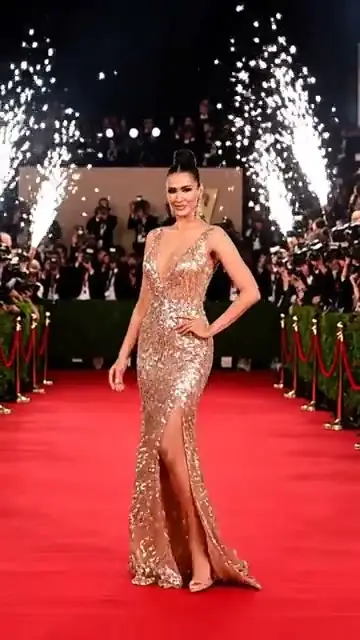
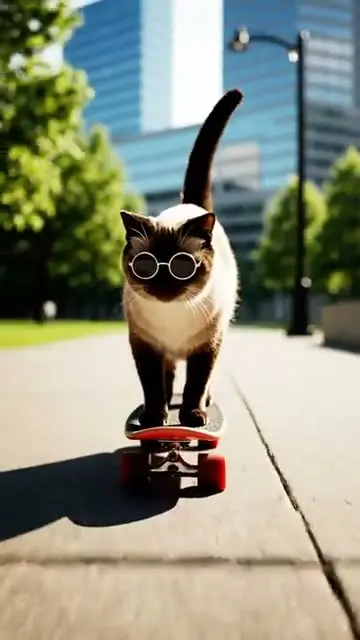
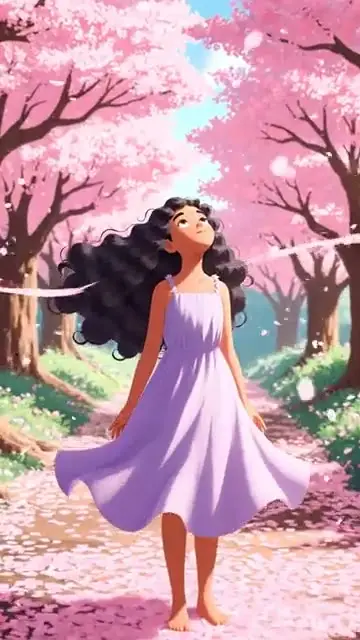
HOTNew trends every weekMake the viral AI video.
Make the viral AI video.
Starring you.
Pick a trending template, drop in your photo, and post the same video everyone's watching — or create your own with top AI video models.
◆ 12 credits
The trend chart · This week
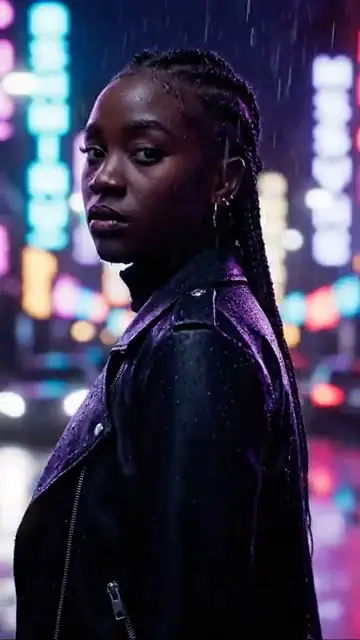
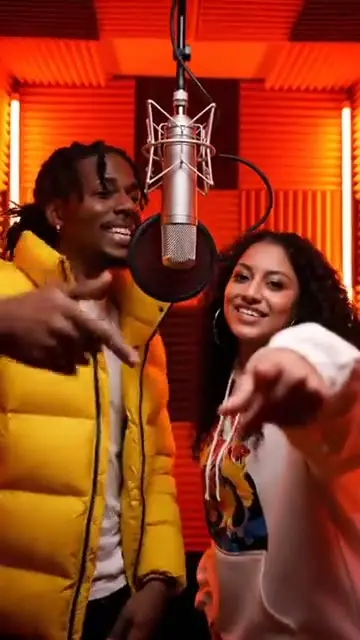
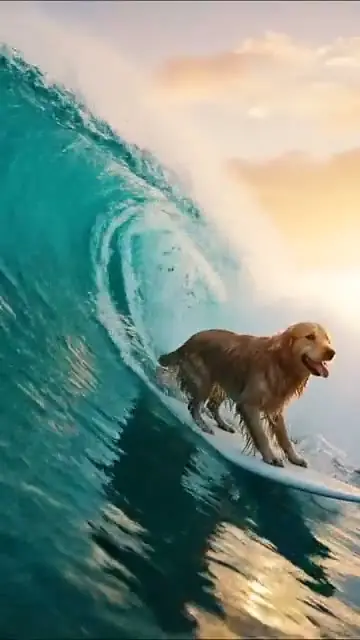
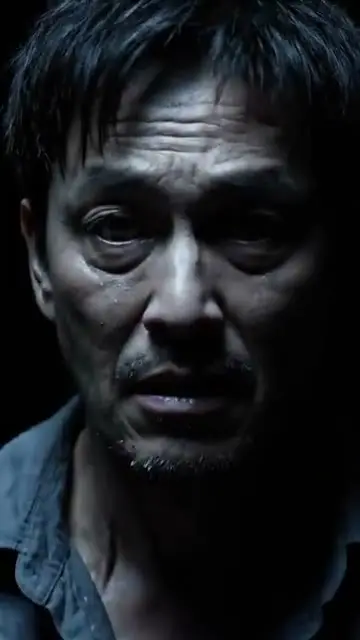
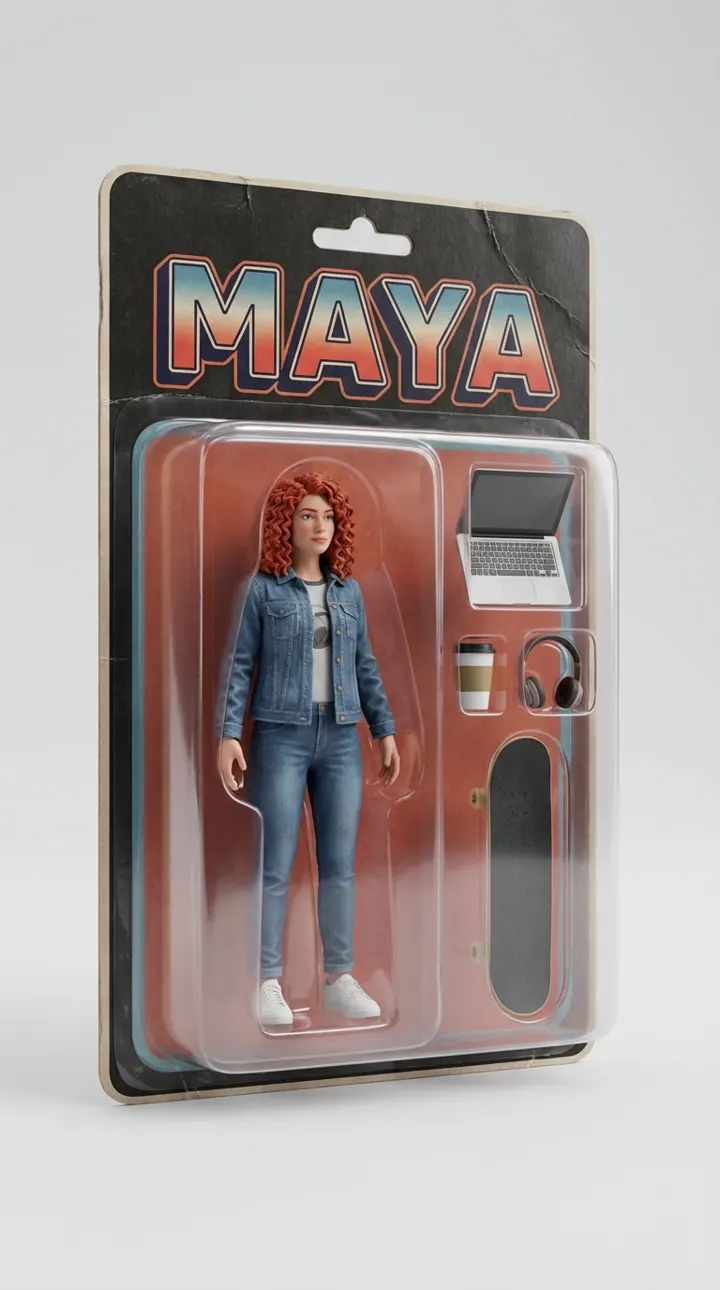
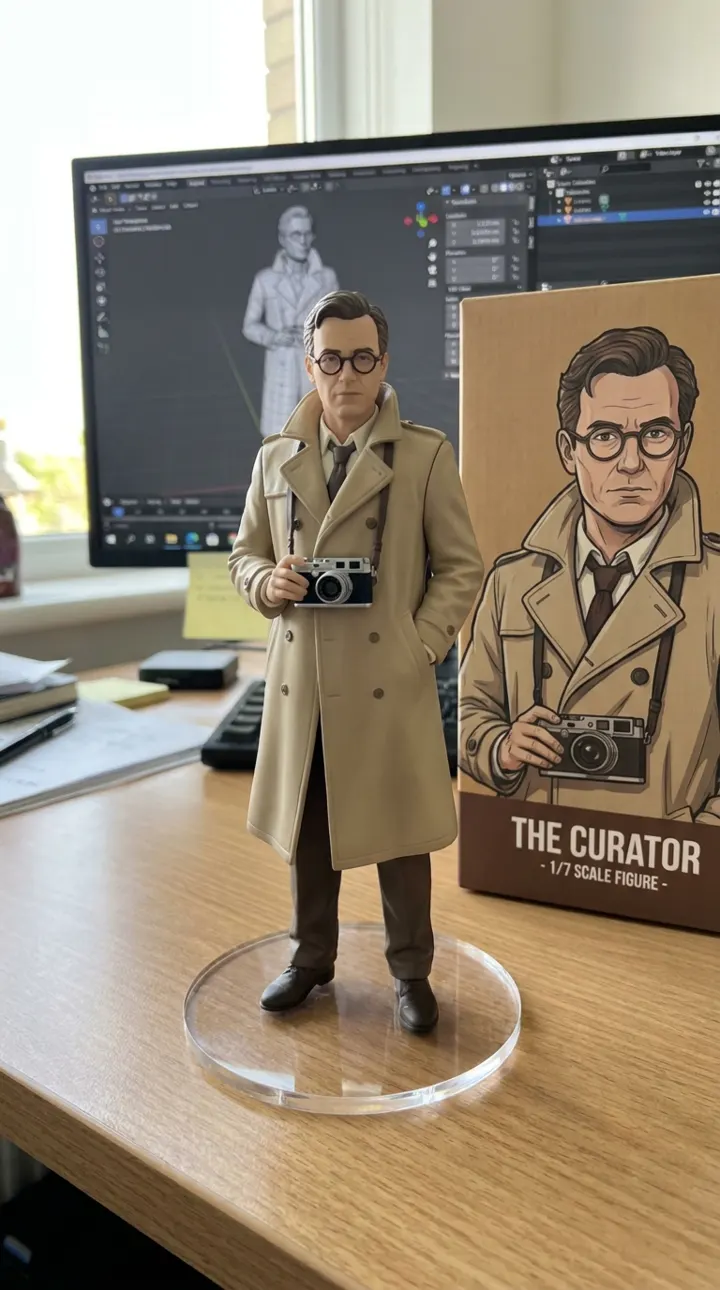
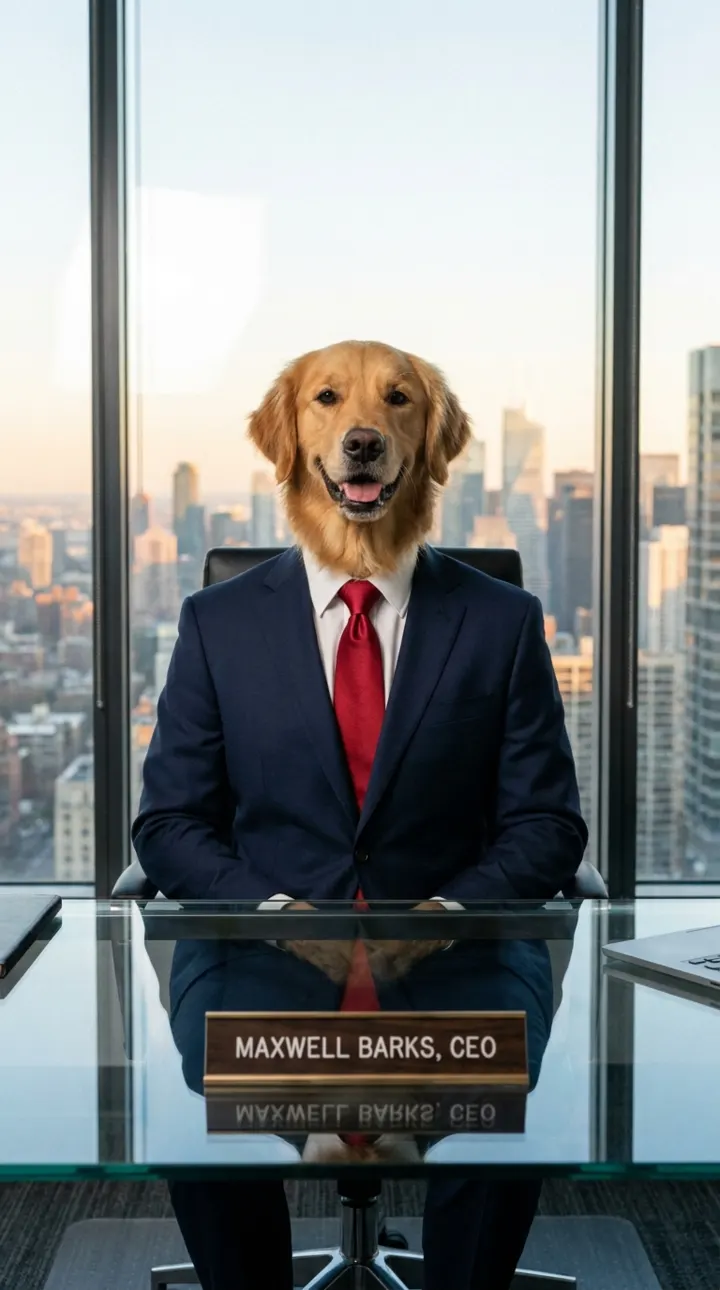
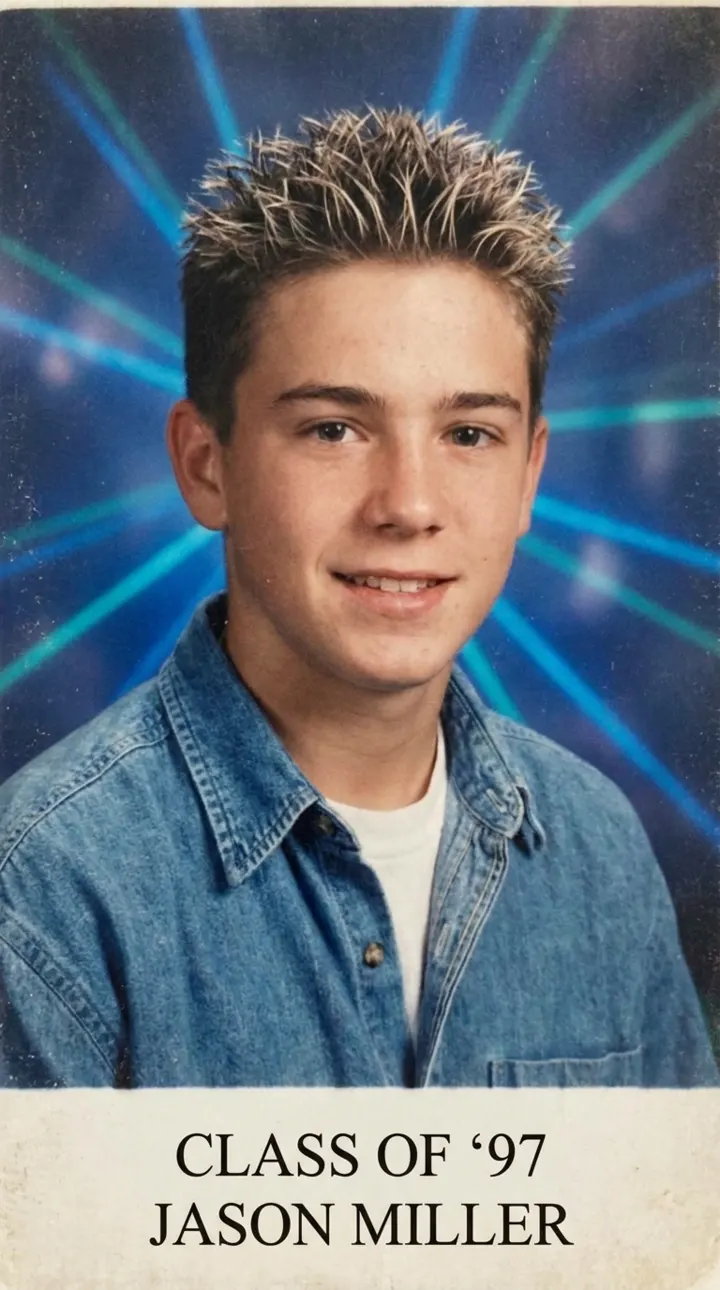
Trending now. Make yours.
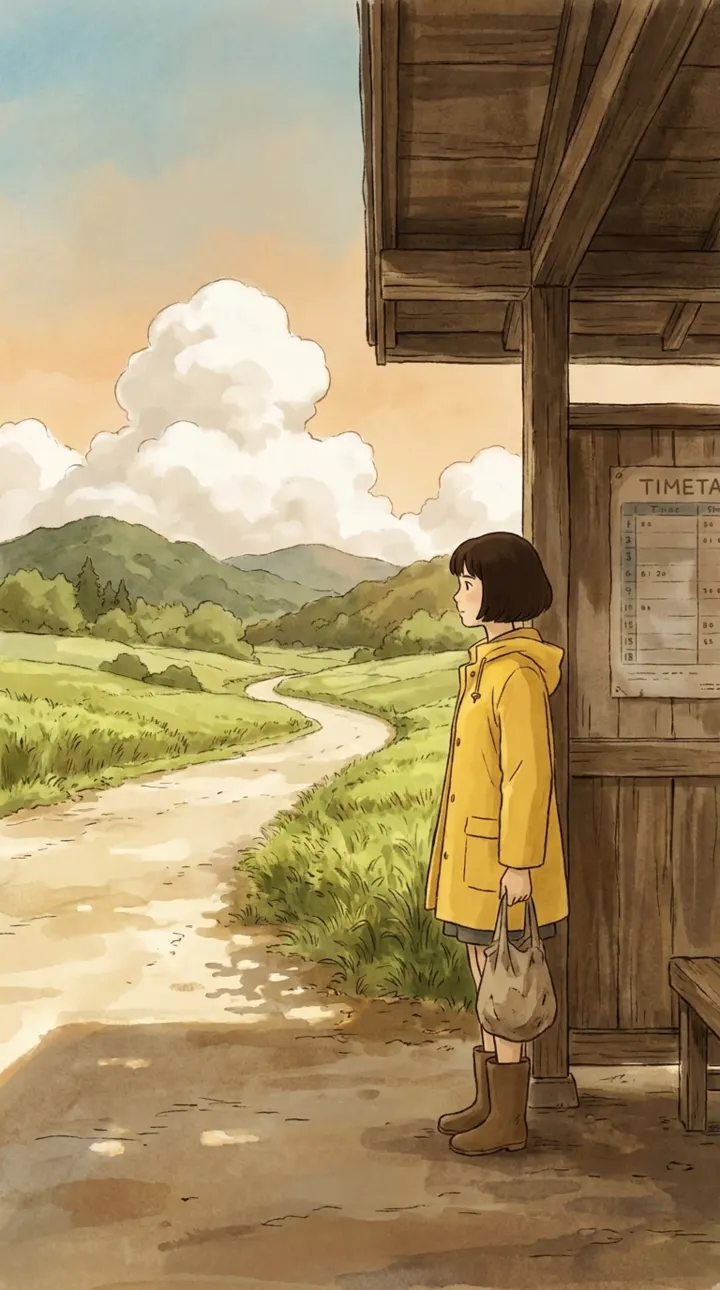
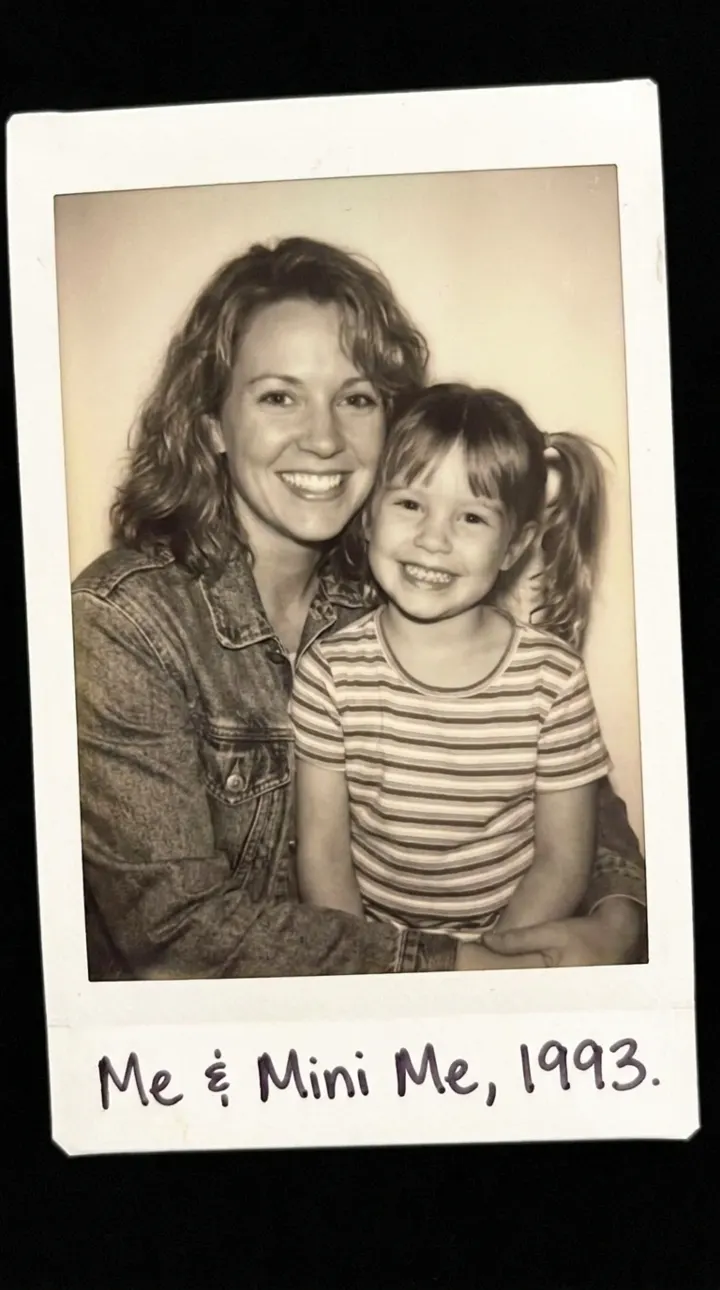
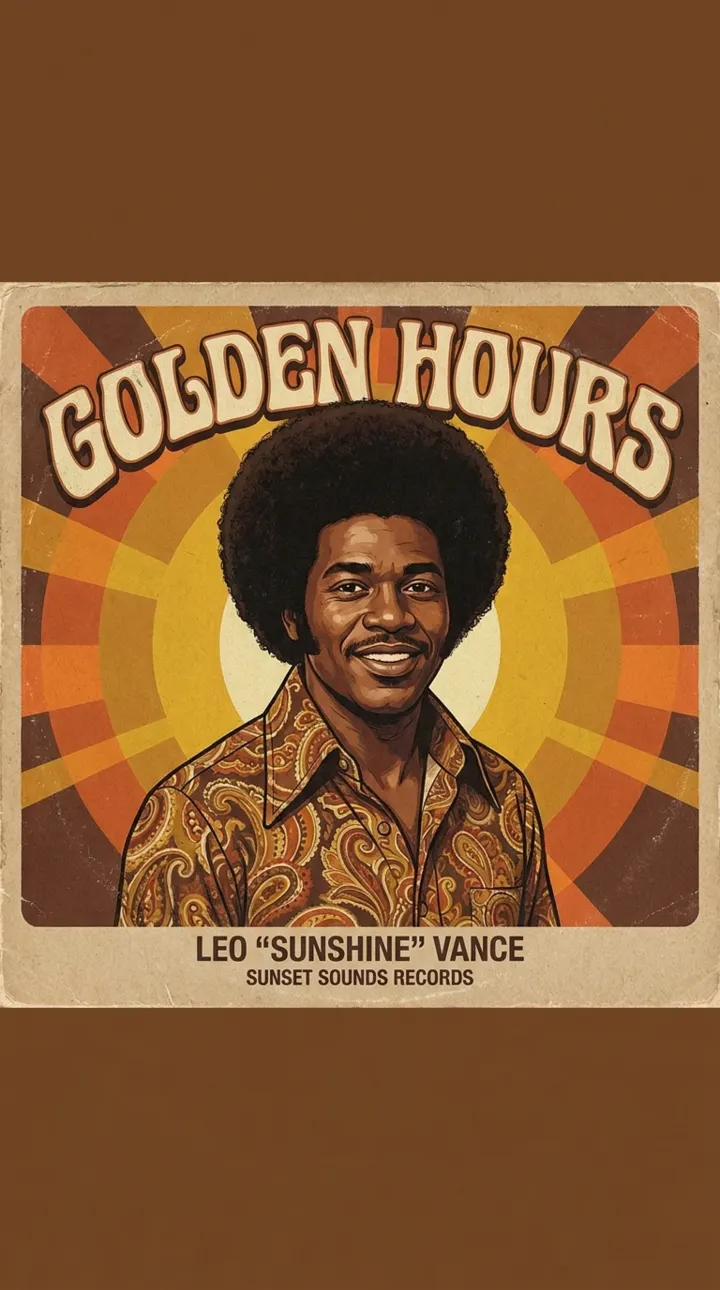
About
What is AI Trend Video?
AI Trend Video is an AI video maker for the trends everyone is posting right now. When an AI video goes viral on TikTok, Instagram Reels or YouTube Shorts, we turn it into a ready-made template. You upload a photo — usually one or two — and get your own version of the trend in a few minutes, with no editing skills, prompts or apps to learn.
Every template is built and tested by our team with top AI video models such as Seedance, Kling and Veo, so the scene, motion and framing match the original trend. Videos come out vertical (9:16) without a watermark, ready to post. Prefer to start from scratch? The generator at the top of the page creates videos and images from a text prompt or a photo.
How it works
Your version of the trend, in three steps.
- 01
Pick a trend
Browse the AI videos going viral right now. New trends are added every week.
- 02
Add your photo
Upload a clear photo — usually one or two. You see the price before you generate.
- 03
Post it
Your video is ready in a few minutes. Download it from History, no watermark, and post it anywhere.
Made for
Anyone who wants in on the trend.
Creators
Post your take on a viral format while it’s still climbing, without hours in an editor.
Friends and couples
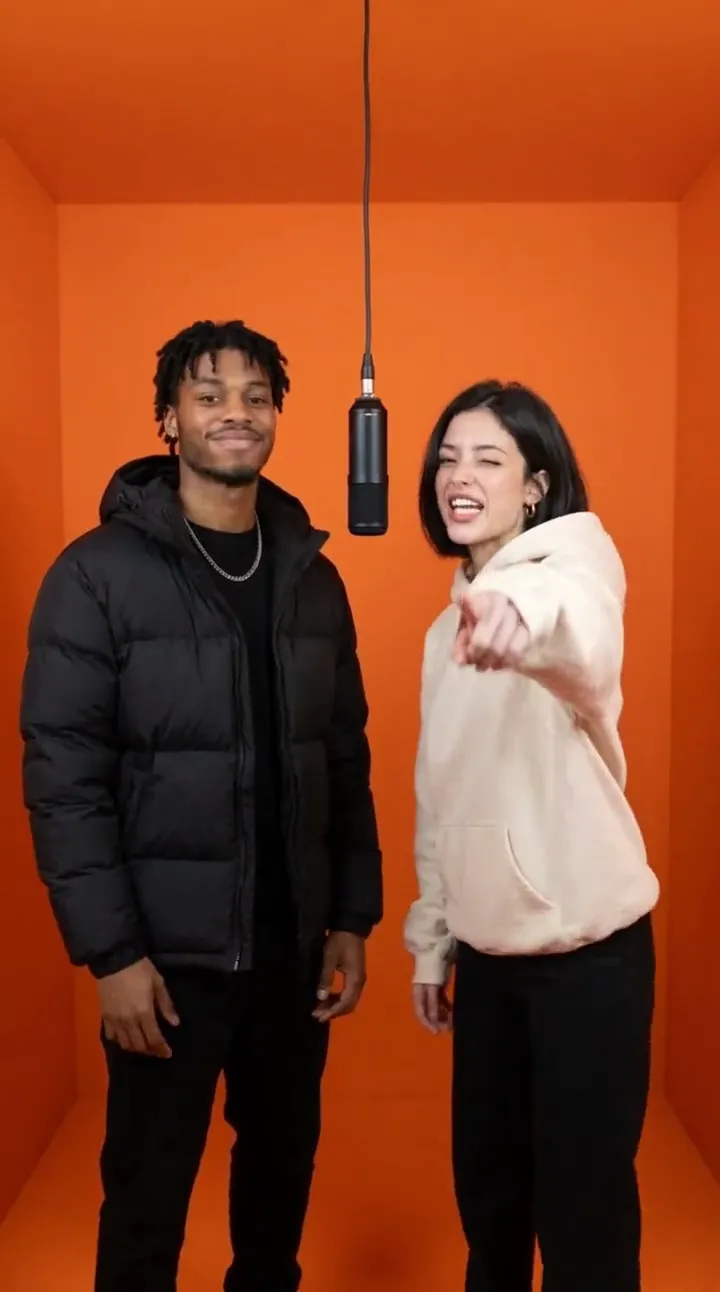
Two-person trends like Hotel Lobby are made for duos. Drop in both photos and star together.
Pet owners
Cats, dogs and other pets steal the show — many viral AI trends started with pets.
Meme pages
Turn a new format into content fast and keep your feed on top of what’s trending.
Small businesses
Jump on a trend with your team or mascot and reach people in a format they already love.
Birthday surprises
Make a friend the star of the trend everyone’s watching — a gift that’s ready in minutes.
Why AI Trend Video
Why make it here.
New trends every week
We watch TikTok, Reels and Shorts and add templates as soon as a format takes off.
Just a photo or two
No prompts, timelines or editing. Upload your photos, pick options, done.
Ready in minutes
Most videos are ready in 3 to 10 minutes. Leave the page anytime — your video waits in History.
No watermark, commercial use
Download clean vertical videos and post them anywhere, including for your business.
Pay only for results
Every price shows before you generate. Failed generations are refunded automatically, and credits never expire.
Your photos stay private
Photos are used only to make your video, deleted after 7 days and never used to train AI models.
Frequently asked questions
What is AI Trend Video?
AI Trend Video helps you make the AI videos going viral right now. Pick a trending template, add your photo, and get your own version in a few minutes — ready to post on TikTok, Reels or Shorts.
How do trend templates work?
Each template recreates one viral AI video. Upload the photos it asks for, pick any options, and click Generate. We add new trends every week.
Can I make something that isn't a template?
Yes. Use the generator at the top of the home page to create your own videos with models like Kling, Veo and Seedance.
How much does it cost?
Everything runs on credits, and each template shows its price before you generate. Plans start at $9.90 a month, and one-time packs start at $5. Credits never expire.
Can I use the videos commercially?
Yes. You own what you create and can post it anywhere, including for business — just follow our Terms, like only using photos of people who agreed to it.
Are my photos private?
Your photos are only used to make your video. They’re deleted automatically after 7 days and never used to train AI models. Download your videos within 7 days to keep them.
What if a generation fails?
The credits go back to your balance automatically. You only pay for videos you get.
How long does it take?
Most videos are ready in 3 to 10 minutes, depending on the template and quality; images take about a minute. You can leave the page — your result is saved in History.
Where can I post my video?
Anywhere. Videos are vertical 9:16 MP4 files that fit TikTok, Instagram Reels, YouTube Shorts and Snapchat. Add the trend's sound in the app when you post.
What photos work best?
Clear, well-lit photos with one face (or one pet) per photo, looking toward the camera. Avoid group shots, sunglasses and heavy filters.
Can I create images too?
Yes. Switch the generator to Image to create or edit pictures with models like Nano Banana Pro and GPT Image 2.
How often do you add new trends?
Every week. When a new AI video format starts going viral, we build and test a template for it as fast as we can.
Your version of the trend is minutes away.
Pick a trending template, add your photo, and post it today.
No watermark · Credits never expire · Failed? Refunded.